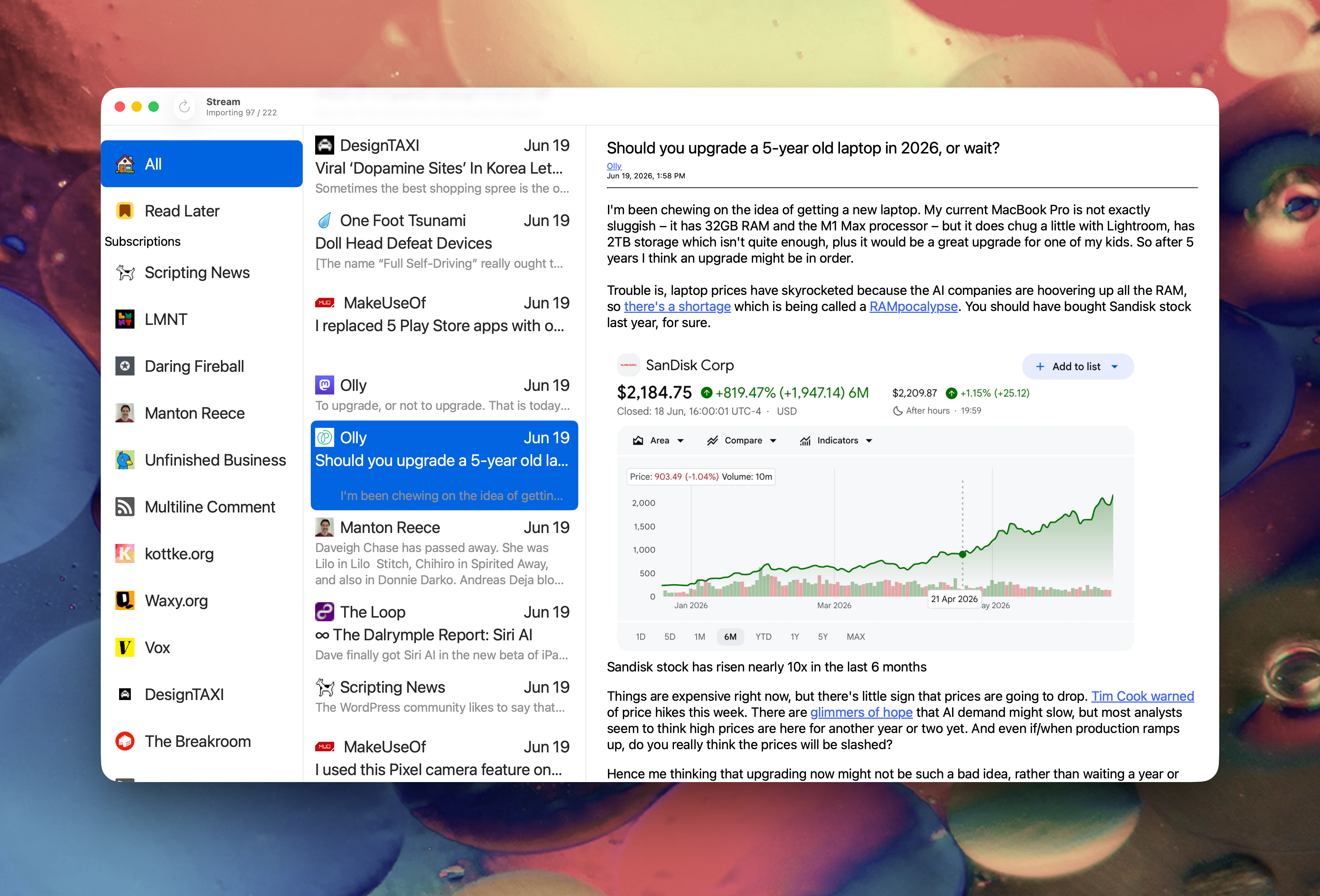
I was able to work on Stream for Mac Friday and I finally fixed up some UI stuff I’ve been meaning to get to for a very long time.
I’d asked a friend from some honest to goodness, unvarnished, feedback and part of what he recommended, I took care of Friday.
When you Refresh your feeds either directly — Cmd+r or clicking the Refresh button or selecting File > Refresh — or indirectly at startup, there was no indication of what was happening. Now there is.
Up in the title where it says Stream I’ve added a subtitle that reads “Updating x/x” or “Importing x/x” depending on what action you’re taking.
- For Refresh it displays “Updating x/x”
- For Import OPML it displays “Importing x/x”
Where x/x would be something like 10/100 if you have 100 items being refreshed or imported.
 When importing OPML the UI is “kicked” every 10th feed so the UI refreshes its lists. My method of refreshing has always been very lazy and brute force. It’s something I intend to cleanup at some point, maybe not by the time it ships, but I really need to get this thing out the door.
Thanks for the feedback, Josh. It’s always appreciated.
Oh, one other thing I did was register default settings so the app behaves properly the first time you launch it.
By default the Blog List will be hidden and Read/Unread Dots will be displayed.
Once again, thank you, Josh. 🙏🏼
Here’s a screenshot of what the app looks like as of Friday afternoon. If you look closely at the titlebar you’ll see that it’s actively importing OPML.